

Know what you have
before you begin.

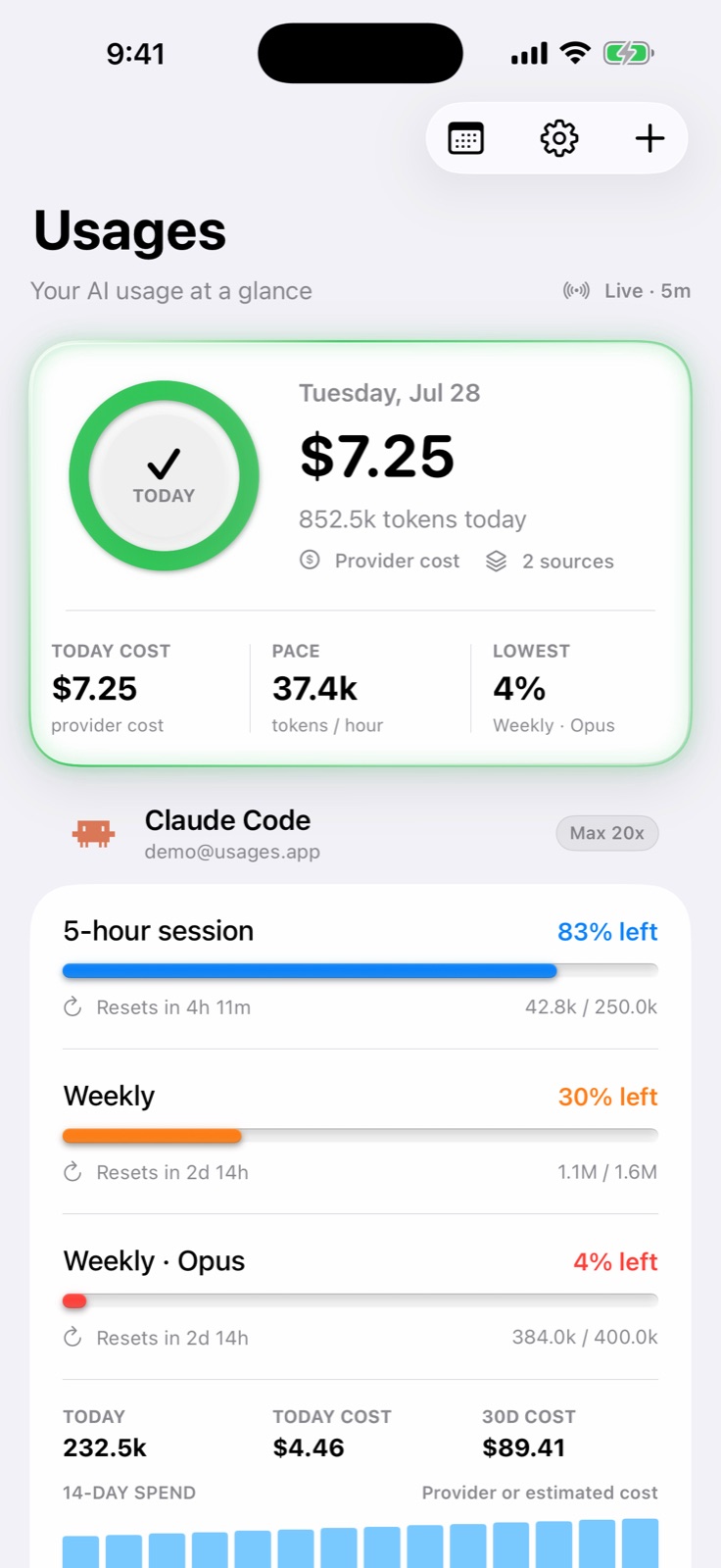
Usages brings every quota, reset window, token total, and local cost into one calm iPhone dashboard.

Usages dashboard showing live AI limits, reset windows, token pace, and cost
LIVE DATA REFRESH / 5M
Codex Claude Code Cursor

LOCAL ONLY

Understand your usage
without studying it.

Usages turns scattered provider data into a quiet, readable picture of what is available now and what comes next.

01

Know what you have before you begin.

Every quota window, reset time, token total, and cost summary lives in one glanceable dashboard. Color appears only when it has something useful to say.

Live
Current provider status
Clear
Reset times in your timezone
Local
Cost and history on device
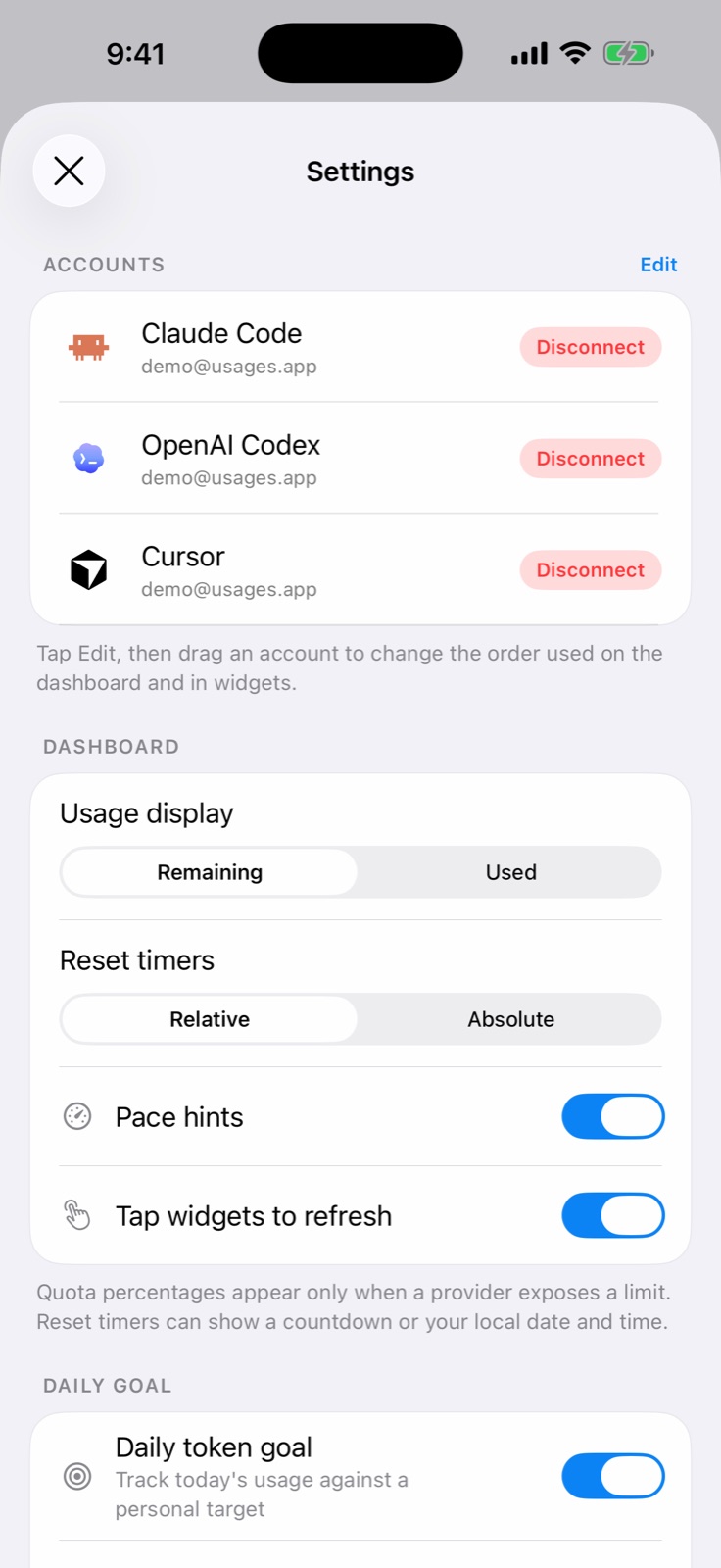
Usages settings showing connected AI providers
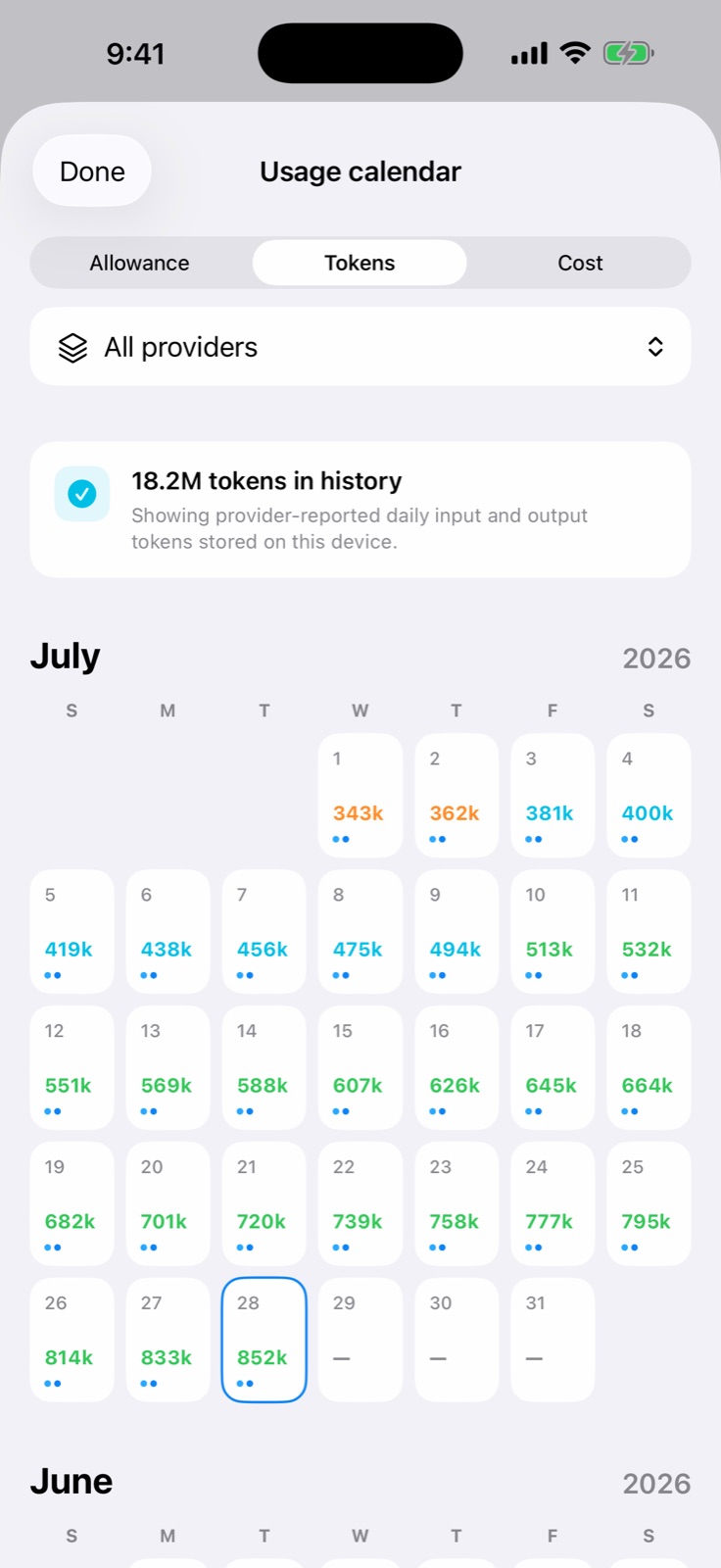
Usages calendar showing daily token history
02

See your pace, not just a number.

A visual calendar gives each day context. Spot heavy sessions, understand momentum, and choose a personal goal without turning your work into another score to chase.

Allowance, tokens, and cost share one consistent history.

03

Your accounts stay on your iPhone.

Credentials are protected in Keychain. History and preferences stay on device. There are no ads, analytics SDKs, or cross-app tracking.

  • 01
    Keychain protectedOAuth tokens and API keys
  • 02
    Stored locallyHistory and preferences
  • 03
    No trackingNo ads or analytics SDKs
Read the privacy policy
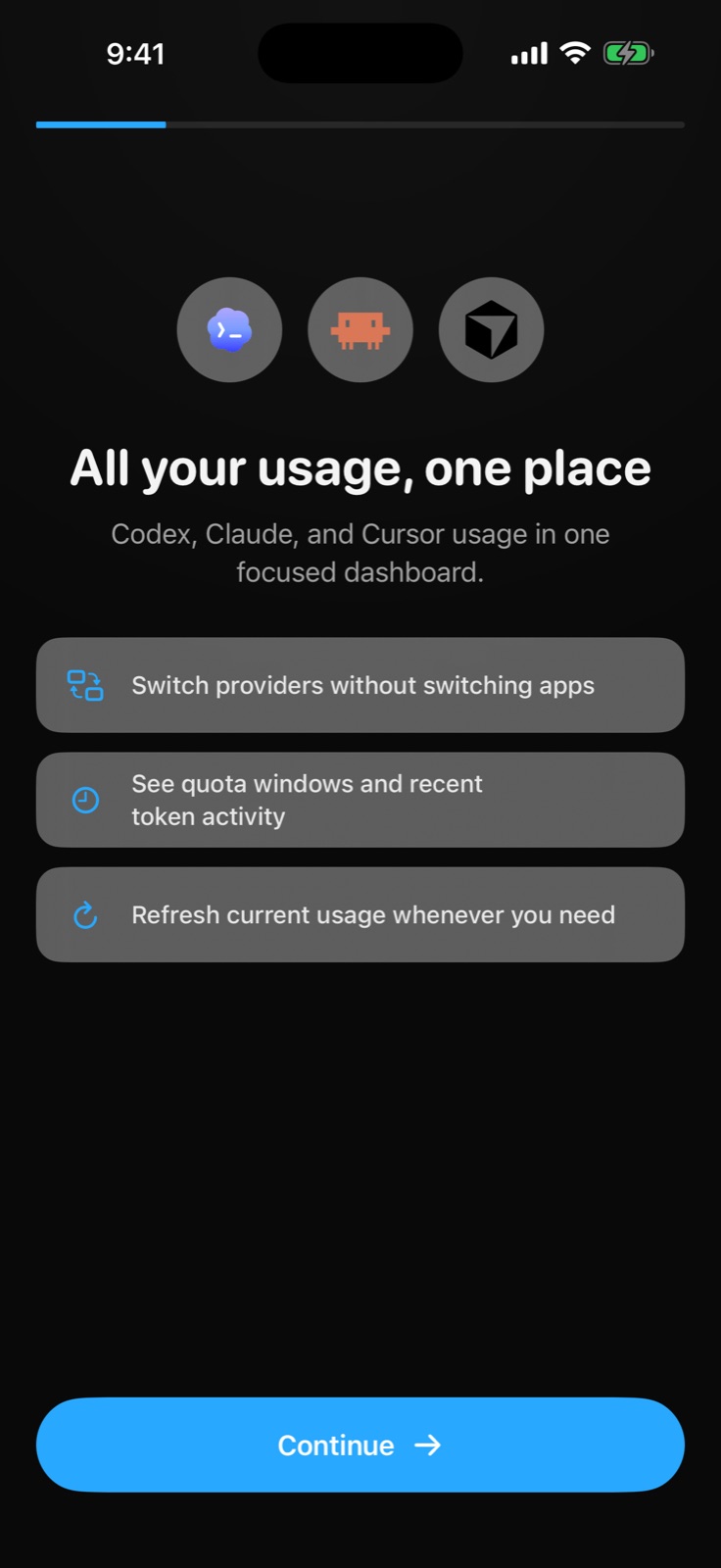
Usages onboarding explaining the unified private dashboard

Usages works right on your device.

3

Providers supported

Codex, Claude Code, and Cursor — with more on the way.

0

Servers operated

Everything happens on your iPhone. No intermediary, no cloud.

Usages for iPhone

Your AI usage deserves a better view.

Clear limits. Calm decisions. Your data stays yours.